If your Instagram Explore page is filled with topics you no longer care about, your Reels recommendations feel repetitive, or your Feed has drifted away from your interests, Instagram provides tools to reshape your recommendations.
Meta introduced a Recommendations Reset feature as a way for people to clear recommended content across Explore, Reels and Feed and start again. The company also described several other controls that help people continuously tell Instagram what they want to see.
Why Instagram recommendations change
Instagram's recommendation systems learn from signals such as the accounts and content you interact with. Over time, your behavior can change the mix of posts and Reels you see.
That can be useful when your interests genuinely change, but it can also become frustrating if you repeatedly watch a topic for a short period and then continue receiving similar content weeks later. A reset is designed to give users a way to deliberately start that recommendation process again.
How to reset suggested content
Meta's published instructions describe the reset path as follows:
- Open your Instagram profile.
- Tap the three-bar More options icon.
- Select Content preferences.
- Choose Reset suggested content.
- Review the information shown and confirm the reset.
Meta says recommendations then begin personalizing again over time based on the content and accounts you interact with.
Note: Instagram's interface can vary by app version, account type and rollout. If you do not see the exact menu wording, look for Content Preferences or recommendation controls in Instagram's current settings.
What happens after the reset?
A recommendation reset is not the same as deleting your Instagram account or removing every account you follow. It is focused on suggested content. Meta says users can also review the accounts they follow and unfollow accounts whose content they no longer want to see.
After the reset, your recommendations do not stay empty forever. They begin to personalize again as you interact with content. This means the way you use Instagram after the reset becomes important.
Use “Interested” to strengthen useful recommendations
Instagram also gives users a direct way to signal that they like recommended content. Meta says people can tap the three-dot menu on a recommended post and select Interested.
This is useful when you encounter a topic you genuinely want more of. Instead of only relying on passive viewing behavior, you are explicitly giving Instagram a preference signal.
Use “Not interested” when recommendations go off track
The opposite signal is Not interested. If a recommendation is irrelevant or you simply do not want to see that kind of content, using the available feedback control can help Instagram understand that preference.
Repeatedly choosing Not interested for content you do not want can be more useful than scrolling past everything without interacting, because the action communicates a clearer preference.
Review the accounts you follow
Recommendation cleanup is easier if you also review your following list. Meta specifically recommends reviewing followed accounts because the content you follow remains part of your overall Instagram experience.
You do not need to unfollow everything. A simple review can identify old meme pages, inactive accounts, duplicate creators or topics you followed temporarily but no longer care about.
Use Favorites for accounts you do not want to miss
Instagram also offers a Favorites feature for accounts whose content you want to see more often. Meta says Favorites can help users see posts from selected accounts higher in Feed, with a dedicated Favorites feed available for catching up on those accounts.
This creates a useful separation: recommendations can remain a discovery space, while Favorites can act as a more intentional list of accounts you already trust or regularly want to follow.
Use Following when you want less recommendation content
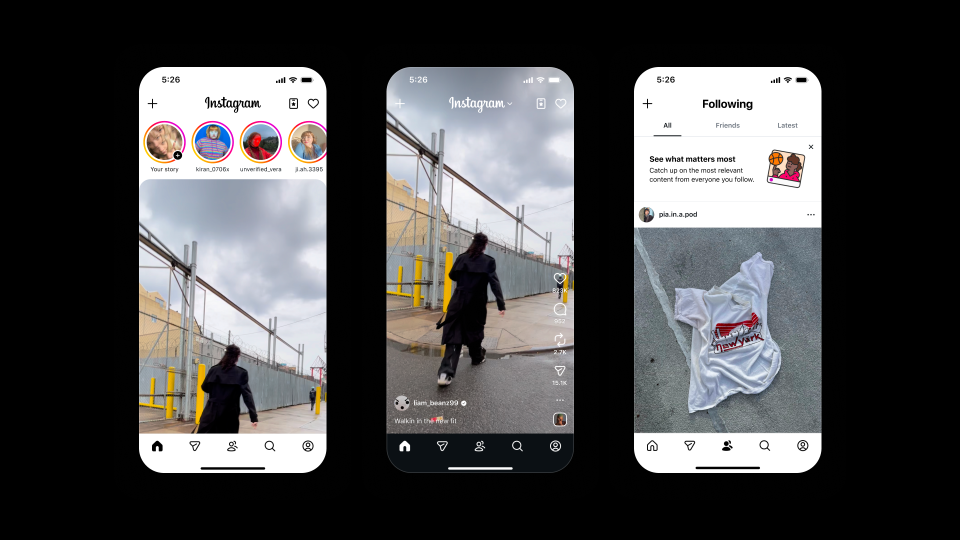
Meta has also described a Following Feed that displays content from accounts you follow in chronological order. For people who mainly want to catch up with accounts they already chose, this can be a simpler alternative to a recommendation-heavy experience.
Can you completely turn off Instagram recommendations?
The reset feature is designed to restart personalization, not permanently remove every recommendation from Instagram. Explore, Reels and other discovery surfaces are built around suggested content, so a reset does not turn Instagram into a purely chronological social network.
If your goal is to reduce unwanted recommendations, the more practical strategy is to combine the reset with Not interested, a cleaner following list, Favorites and the Following Feed where available.
How to keep your recommendations cleaner
- Do not repeatedly engage with topics you do not actually want to see.
- Use Interested for topics you want more of.
- Use Not interested for irrelevant recommendations.
- Periodically review your following list.
- Use Favorites for accounts you care about most.
- Use Following when you want to focus on accounts you already follow.
- Use Hidden Words where appropriate to hide content containing selected words or phrases.
What about teen accounts?
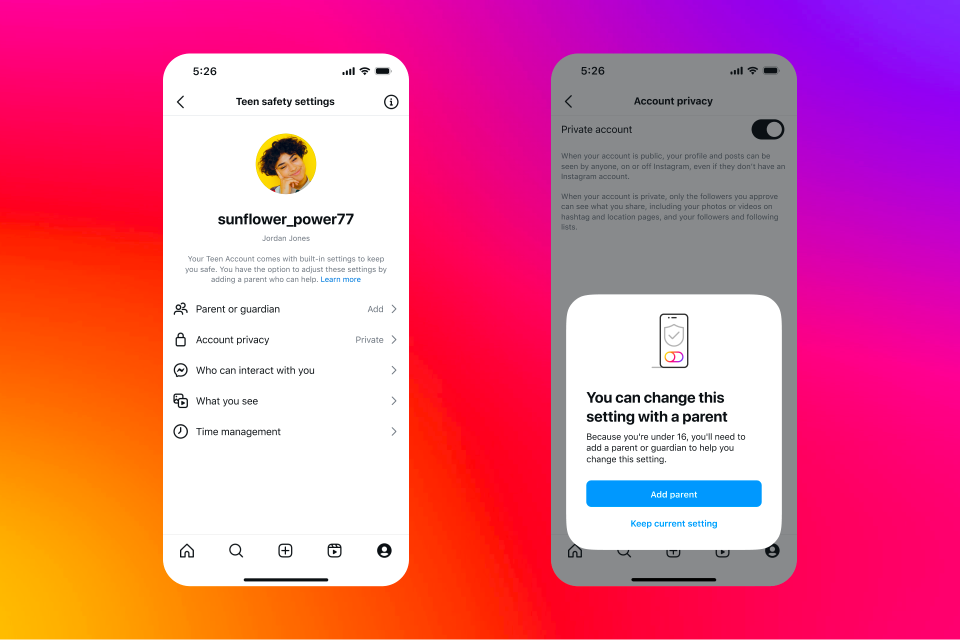
Meta has described additional recommendation and content protections for teens. Teen Accounts use stricter sensitive-content controls, and Meta has said it works to reduce the chance that teens are recommended certain sensitive or mature material.
That means the exact recommendation experience can differ for younger users, and parents should not assume that adult account settings work identically on Teen Accounts.
Resetting is a starting point, not a magic button
The most important thing to understand is that a recommendation reset does not permanently lock your Explore page into a specific set of interests. Instagram starts learning again from your interactions.
If you immediately spend a lot of time watching content from a topic you do not want, the system may receive signals that the topic is relevant. The reset works best when followed by intentional interaction with the subjects, creators and formats you actually want to discover.
Bottom line
Instagram gives users more control over recommendations than simply accepting whatever appears on Explore or Reels. A reset can provide a clean starting point, while Interested, Not interested, Favorites, Following and account cleanup can help shape what comes next.
If your Instagram feed feels stuck in an old version of your interests, start with the reset where available, then actively teach the app what you want through the controls it provides.
Source: Meta Newsroom, November 19, 2024, with the article updated by Meta in July 2025. Menu names may vary as Instagram changes its interface.